
How HazardHub works
From workplace hazard to documented action.
HazardHub keeps the whole safety case connected — from the moment something is identified through assessment, evidence, corrective work and final reporting.
01 Capture what matters
02 Keep actions visible
03 Retain a clear record
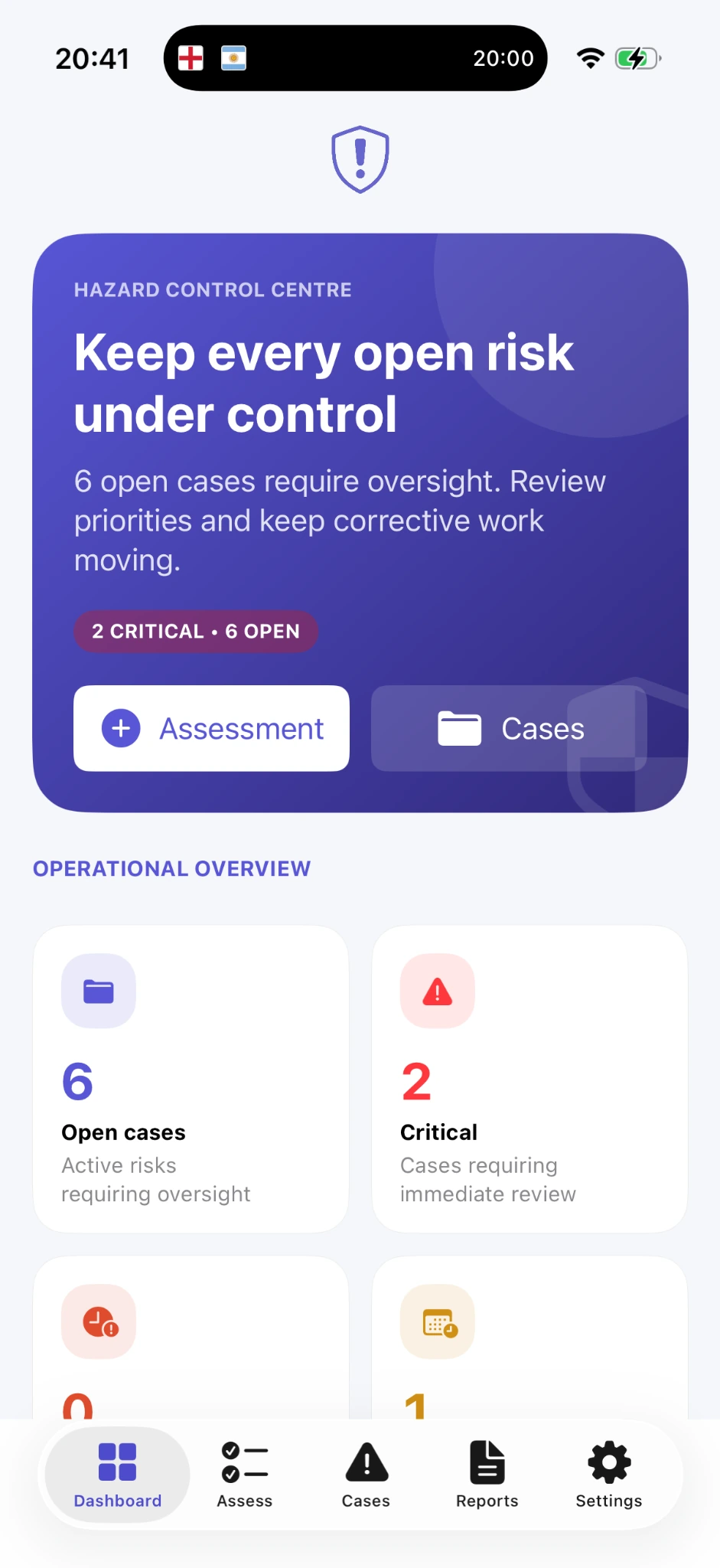
LIVE WORKSPACEOne case. One clear history.
A connected workflow
Five stages. One safety record.
Each stage adds context to the same case, so evidence, decisions and corrective work do not end up scattered across different places.
01Identify
02Assess
03Document
04Act
05Report
01
Identify
Start with what you can actually see.
Create the case while the issue is still in front of you. Record the location, category and description, then add the detail another person would need to understand what happened.
- Hazard description and location
- Category and context
- Immediate danger flag when required
NEW CASE01
Record the observation
LOCATIONMain warehouse · loading area
HAZARDDamaged pedestrian barrier
CONTEXTVehicle route beside pedestrian access
Ready for assessment
02
Assess
Turn an observation into a clear priority.
Work through the assessment while the context is fresh. HazardHub keeps the reasoning attached to the case so the priority is not just a colour or a number with no explanation.
- Likelihood and severity
- Clear calculated priority
- Review before the case moves forward
ASSESSMENTStructured review
LikelihoodPossible
SeverityMajor
PRIORITYAction requiredReasoning stays with the case.
03
Document
Build evidence while the details are still available.
Add photographs, notes and the controls already in place. Everything remains attached to the same case, creating a record that still makes sense days or months later.
- Photographic evidence
- Notes and observations
- Existing control measures
PHOTO EVIDENCE
 Evidence items attached
NOTE
Barrier damage visible beside active vehicle route. Temporary separation required pending repair.
CONTROL
Area marked and temporary route diversion recorded.
04
Act
Keep corrective work visible until it is complete.
Record what needs to happen, add target dates and update the case as work progresses. The Hazard Control Centre keeps open and critical cases visible so follow-up does not disappear into memory.
- Corrective actions and target dates
- Temporary and permanent controls
- Progress updates and case history
CORRECTIVE WORK2 actions open
✓
Temporary pedestrian diversionCompleted · recorded today
2
Replace damaged barrierIn progress · target date recorded
58% corrective workflow complete
05
Report
Finish with a record another person can understand.
When the case needs to be retained, reviewed or shared, HazardHub brings the important information together into a structured professional report rather than a collection of disconnected screenshots and notes.
- Case overview and assessment
- Evidence and corrective actions
- Chronology and professional PDF output
Hazard case report
Simple by design
See it. Record it. Follow it through.
HazardHub keeps the complete safety story together without turning the process into another administrative system.
 Download on the App StoreNo account required · local-first workflow